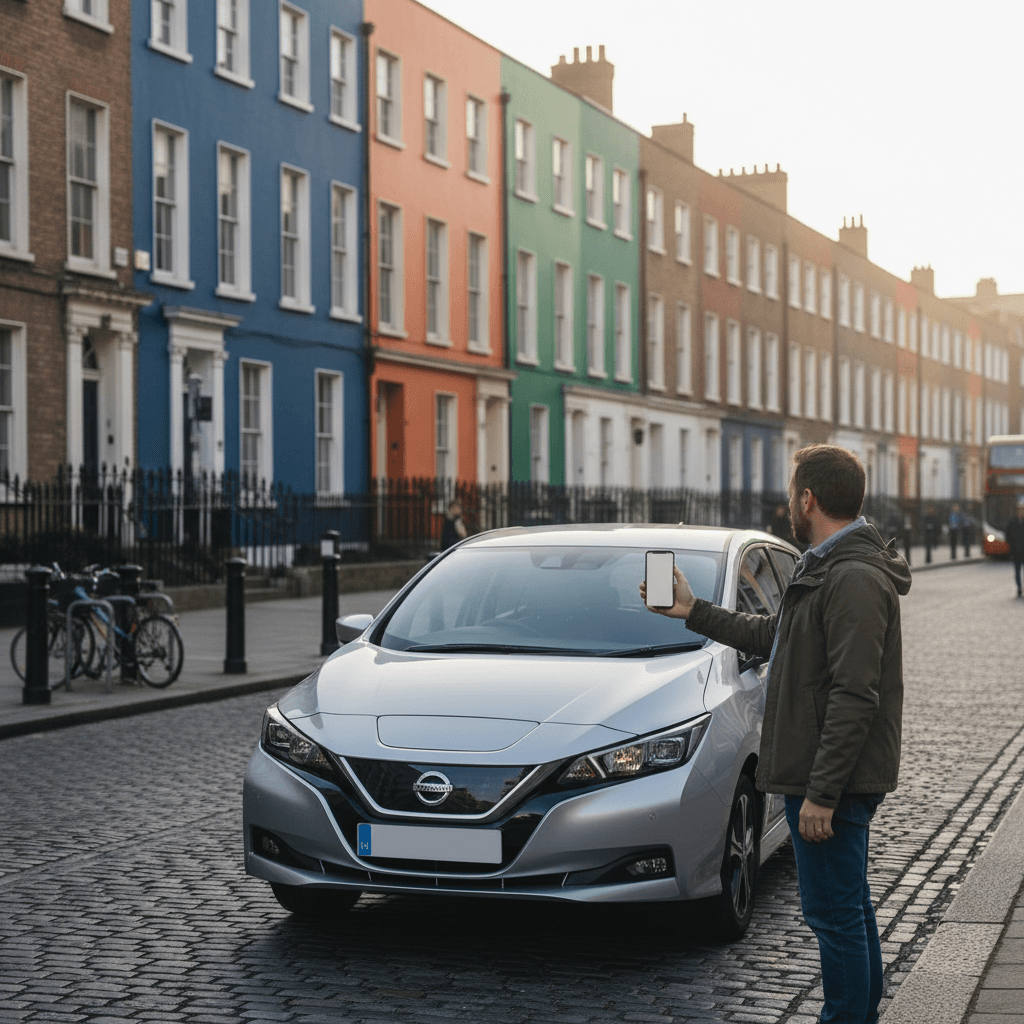
GoCar makes it incredibly easy to get behind the wheel and explore Ireland without the hassle of traditional car rental. Whether you're a local looking for an occasional car or a visitor wanting flexible wheels, this step-by-step guide walks you through everything from signing up to returning your car.
What You'll Need Before You Start
Before registering with GoCar, make sure you have:
- A valid driving licence — Irish, EU, or international (held for at least 2 years)
- A credit or debit card — for payment and the security deposit
- A smartphone — the GoCar app is essential for booking and unlocking cars
- Photo ID — your licence doubles as this, but a passport may be needed for verification
Step 1: Register and Create Your Account
- Visit GoCar.ie or download the GoCar app from the App Store or Google Play
- Click "Sign Up" and fill in your personal details
- Upload a photo of your driving licence (front and back)
- Enter your payment details
- Use promo code 31k65h to get €25 off your first trip
Verification typically takes 24-48 hours, though it can be faster. You'll receive an email when your account is approved.
Step 2: Find a Car Near You
Once approved, open the GoCar app to browse available vehicles:
- Map view shows all cars near your location with real-time availability
- List view lets you filter by vehicle type, distance, and availability
- Each car listing shows the make, model, fuel type, and hourly/daily rates
- Check vehicle photos and any special notes about the pickup location
GoCar vehicles are parked in designated spots across Irish cities. See our GoCar locations guide for a full breakdown of where to find cars.
Step 3: Book Your Car
Booking is straightforward through the app:
- Select your preferred vehicle
- Choose your start and end time
- Review the price estimate
- Confirm your booking
You can book in advance or on the spot if a car is available. For popular times (weekends, bank holidays), booking ahead is recommended.
Understanding Pricing
GoCar charges by the hour or day. These are every tier on GoCar's own rates page, checked September 2026:
| Vehicle Type | Per Hour | Per Day |
|---|---|---|
| GoLocal (small city car) | €9 | €50 |
| GoLocal Electric | €10 | €55 |
| GoCity (mid-size) | €11 | €55 |
| GoExplore (small SUV) | €13 | €65 |
| GoElectric | €14 | €70 |
| GoExplore PLUS (larger SUV) | €15 | €80 |
| GoExplore PLUS Electric | €15 | €80 |
| GoVan (small van) | €15 | €70 |
| GoSeven Auto (7-seater) | €16 | €85 |
| GoCargo (large van) | €17 | €80 |
If you can't drive a manual, start with the tiers that are automatic as standard: GoSeven Auto (€16/hour, €85/day), which GoCar lists as a fully automatic seven-seater, and GoElectric and GoLocal Electric, both electric with automatic transmission. On GoLocal, GoCity, GoExplore and GoExplore PLUS an automatic version of some models is available for an extra €1/hour or €5/day.
A temporary €2 fuel surcharge applies to every booking. GoCar calls it a short-term response to fuel price rises and says it will go "as soon as fuel prices stabilise", but it was still published on GoCar's help centre when we checked in September 2026 — budget for it.
Each booking includes 50km free (75km for GoExplore PLUS). Additional kilometres are charged at €0.25/km. Standard insurance (third party, fire and theft) is included with a €2,000 excess — see the insurance section below for options to reduce this.
Step 4: Pick Up Your Car
When it's time to start your trip:
- Walk to the car's location — the app shows directions to the exact spot
- Unlock the car using the GoCar app — tap "Start Trip" and the doors unlock automatically
- Check the car — note any existing damage in the app and take photos
- Find the key — it's usually in the glovebox or a central holder
- Adjust mirrors, seat, and familiarise yourself with the controls
The car should have at least a quarter tank of fuel. If it doesn't, report it through the app.
Step 5: During Your Trip
Once you're on the road:
- Drive normally — the car is insured and road-ready
- Fuel card — each car has a Circle K fuel card in the glovebox. If you need to refuel, use this card at any Circle K station (the PIN is shown in the app under "refuelling information"). There's a daily maximum of €100 for refuelling. If no Circle K is nearby, refuel elsewhere, keep the receipt, and GoCar will credit your account
- Parking — you're responsible for parking costs during your trip
- Tolls — you'll need to pay any tolls yourself (see our toll roads guide)
- Breakdowns — call GoCar's roadside assistance number displayed in the app
- Stay in Ireland — GoCar vehicles cannot be taken off the island of Ireland (€500 penalty)
Mileage
Each booking includes 50km free (75km for GoExplore PLUS vehicles). Any distance over 50km is charged at €0.25 per km. For longer trips, factor this into your budget — a 150km day trip would incur an extra €25 in mileage charges. Check the GoCar rates page for the latest details.
Insurance
Standard insurance (third party, fire and theft) is included with every trip, but the excess is €2,000 — meaning you're liable for the first €2,000 of any damage. You can cut that to €250 by buying GoCar's Damage Excess Waiver (DEW), which costs either €200 a year per driver or €1 an hour, capped at €10 a day, added during booking once your account qualifies. GoCar doesn't publish what qualifies an account. DEW covers damage to the vehicle only, not your belongings. Prices checked on GoCar's help centre, September 2026 — see GoCar's insurance details for the latest.
Step 6: Return the Car
When your trip is done:
- Return to the original pickup location — GoCar vehicles must be returned to their designated spot
- Check fuel level — you must return with at least ¼ tank of fuel (or 25% battery for electric vehicles). Use the Circle K fuel card if needed — a fine applies if you return below ¼ tank
- Remove your belongings and any rubbish
- Lock the car using the app — tap "End Trip"
- Walk away — you'll receive an email receipt
Tips for First-Time GoCar Users
- Start with a short trip to get comfortable with the process
- Allow 10 minutes at pickup to inspect the car and get settled
- Screenshot your booking details in case of poor mobile signal
- Check the fuel card location before leaving — you might need it
- Download offline maps if heading to rural areas where signal is patchy (see our navigation apps guide)
Perfect Day Trips with GoCar
GoCar is ideal for day trips from Irish cities. Some of our favourites:
- From Dublin: Dublin Bay & Howth or Wicklow Mountains
- From Cork: Cork Harbour & Kinsale
- From Galway: Connemara Loop or Galway Bay & Burren
Ready to Get Started?
Register with GoCar and use promo code 31k65h to get €25 off your first trip. It's the easiest way to get a car when you need one in Ireland.
For a full comparison of GoCar versus traditional car rental, check out our GoCar vs car rental guide. And if you're visiting from abroad, see our GoCar for tourists guide.
Browse our car rental hub to explore all your options for getting wheels in Ireland.